Introduction
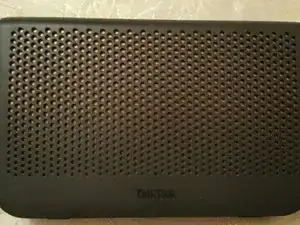
Cracking open the TalkTalk WiFi Hib (Sagemcom F@st5634) to gain access to the serial port and the JTAG port.


-
-
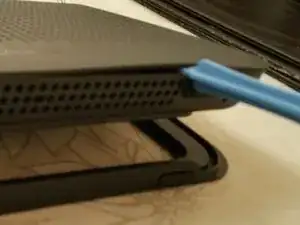
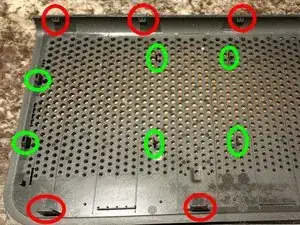
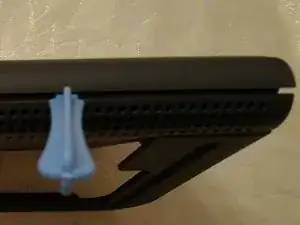
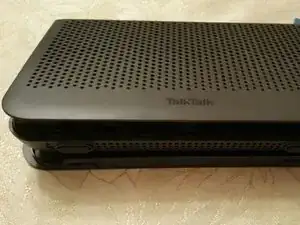
Carefully insert a spudger stick into the slight gap at the front right hand side of the Hub, lift the stick and slide to the left until all the lower latches have released. The RED highlighted latches hold the front to the rear housing. The GREEN highlighted latches hold the front to the inner and require the front to slide up to release.
-
-
-
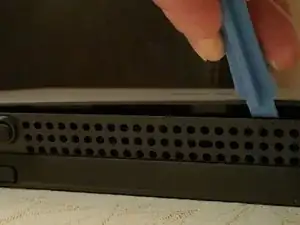
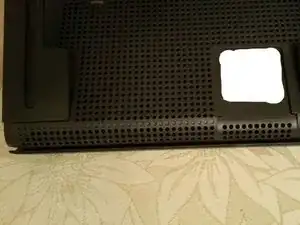
In the same manner, release the clips along to top of the Hub. Once all the clips have been released slide the front of the Hub upwards in order to release the green latches. Lifting the top of the front over the rear clips make it easier to slide.
-
-
-
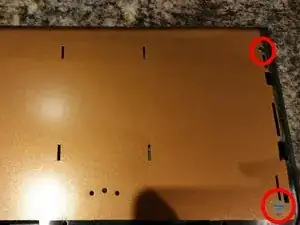
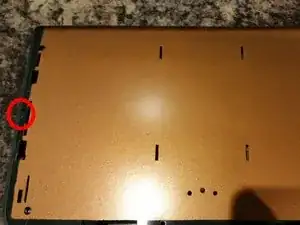
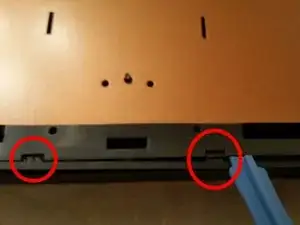
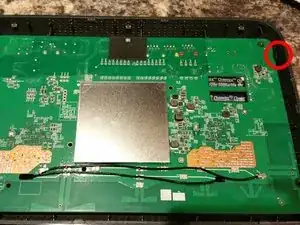
The inner lid is held in place with 4 Torx T10 screws, 2 each side ( 1 under a tamperproof label) and a few clips, 1 each side and 2 on the bottom. Remove the screws and release the clips. The inner cover should now lift off from the bottom releasing the clips along the top.
-
-
-
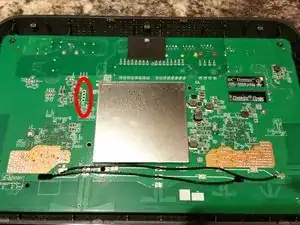
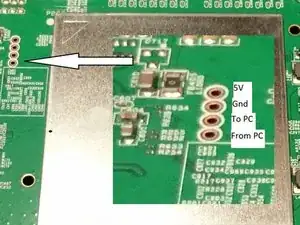
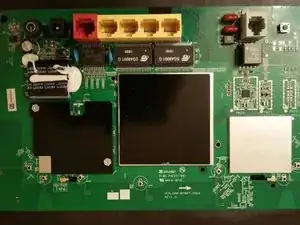
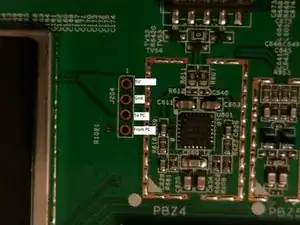
You will now be able to locate the Serial Port on the PCB. Settings are 115200,n,8,1,p
-
Pin1 is 5V
-
Pin 2 is Gnd
-
Pin 3 is data to PC
-
Pin 4 is data from PC
-
-
-
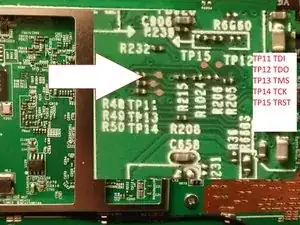
If you release the 2 clips you will be able to remove the PCB from the housing. Do not remove the screws on the PCB. They hold a heatsink/cover plate and do not need to be removed. If you remove the visible cover plate you will see the JTAG port.
-
To reassemble your device, follow these instructions in reverse order.