Introduction
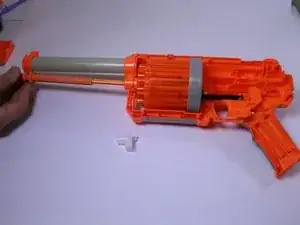
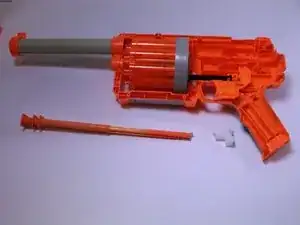
This guide will show you the necessary steps to removing the pump track on the Furyfire. The pump track is the piece the user cocks the gun with in order to fire. Knowing how to remove the pump track can help with problems such as a jammed pump track or a free moving pump track. Common causes of a jammed pump track are improperly placed darts or misalignment of the pump track. Common causes of a free moving pump track is a broken spring or the gun being cocked already.


-
-
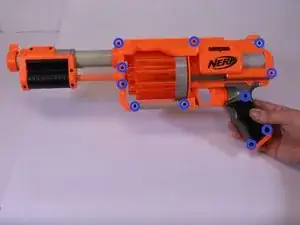
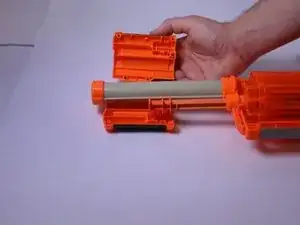
Using a 00 Phillips screwdriver, remove all screws from the front panel. The screws have a length of .95 cm.
-
-
-
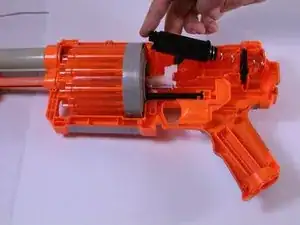
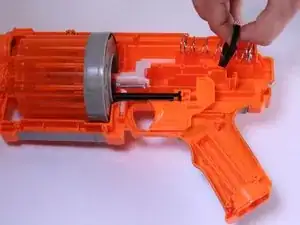
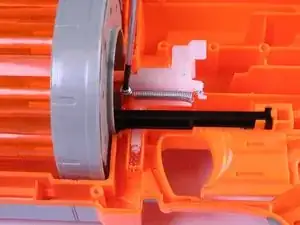
Locate the black cylinder connected to the large spring near the top of the device.
-
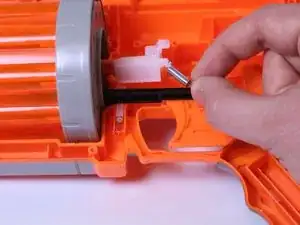
Once located, push the black cylinder against the spring and lift it out of the device.
-
-
-
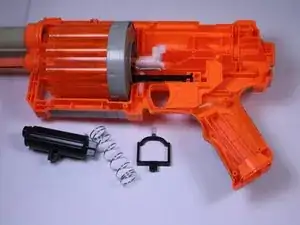
Using your hand, lift the large spring and attached plastic stabilizing piece out of the gun and set aside.
-
-
-
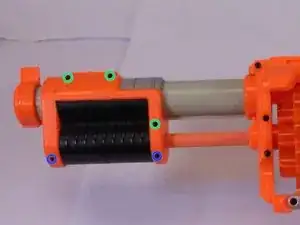
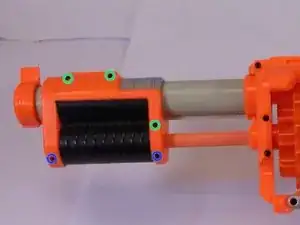
Remove the two screws circled in blue. They are .95 cm in length.
-
Remove the three screw circled in green. They are .7 cm in length.
-
-
-
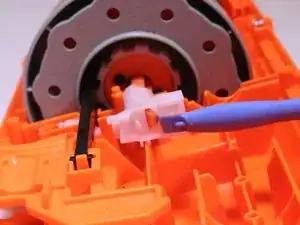
In order to remove the white plastic holder, you must remove the spring that keeps it in place. Using a 00 Phillips screwdriver, carefully remove the screw while holding the spring in place.
-
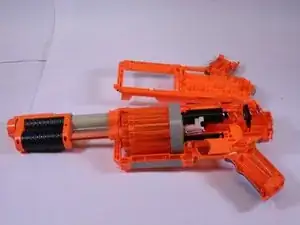
To reassemble your device, follow these instructions in reverse order.